An in-game terrain atlas with discoveries, personal pins, fast travel and animated route markers. Includes an optional minimap and standalone resource pack. Built for Paper 26.2; no client mod required.
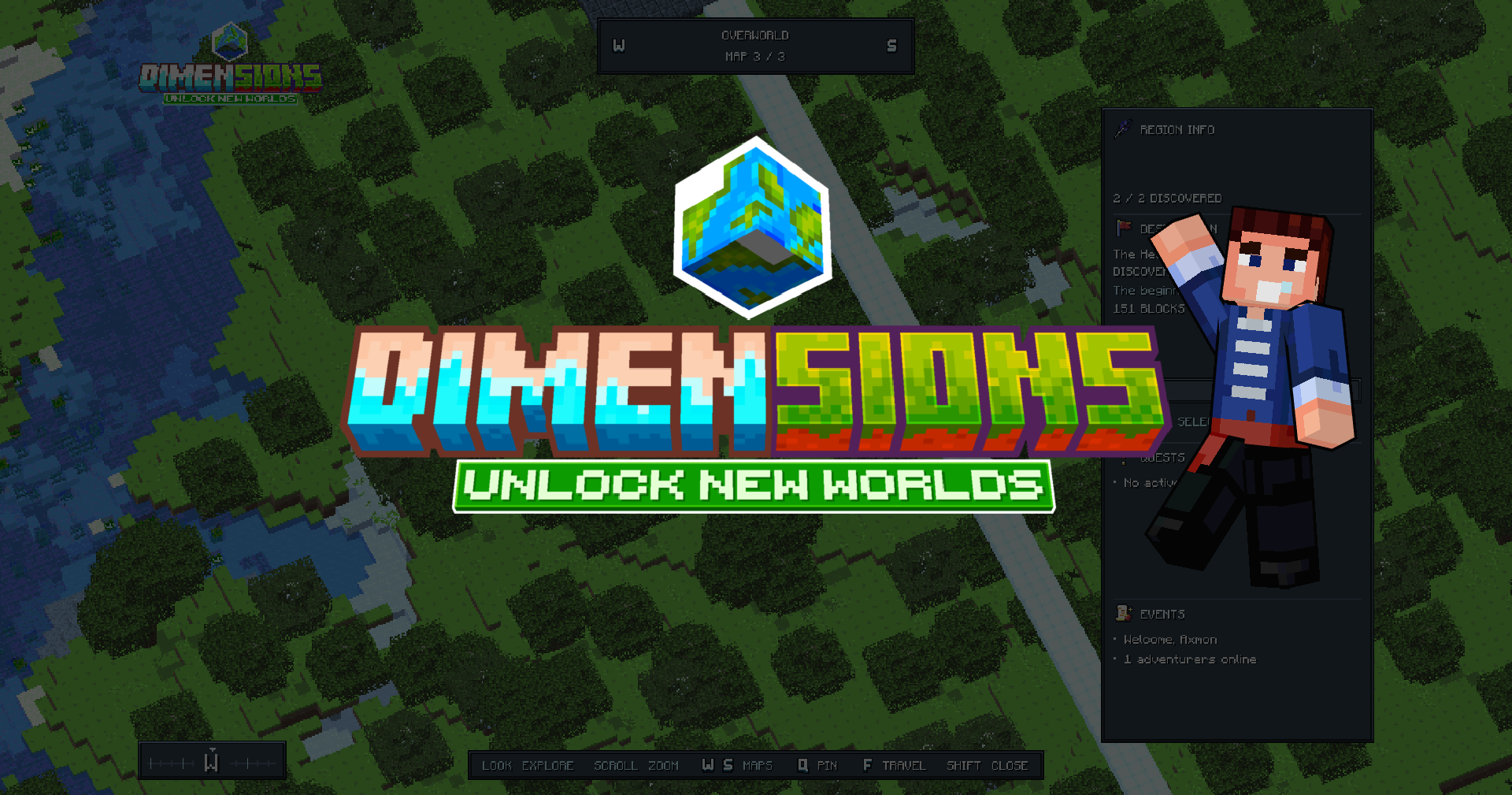
Dimensions turns your server's terrain into an atlas players can explore without leaving Minecraft. Discover destinations, place private pins and follow animated markers back into the world. Open it with /dim or give players an atlas item.
Explore, discover and travel
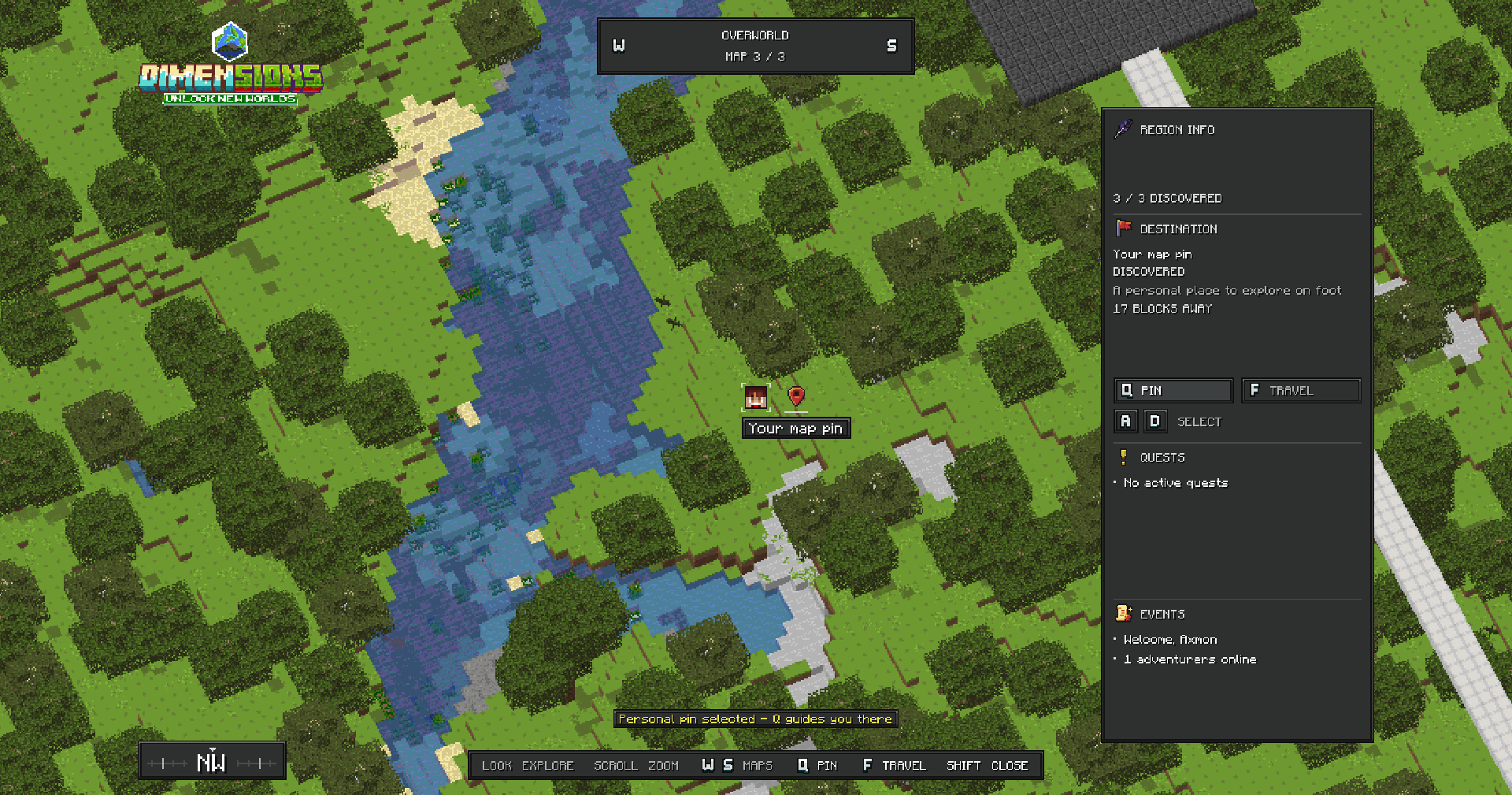
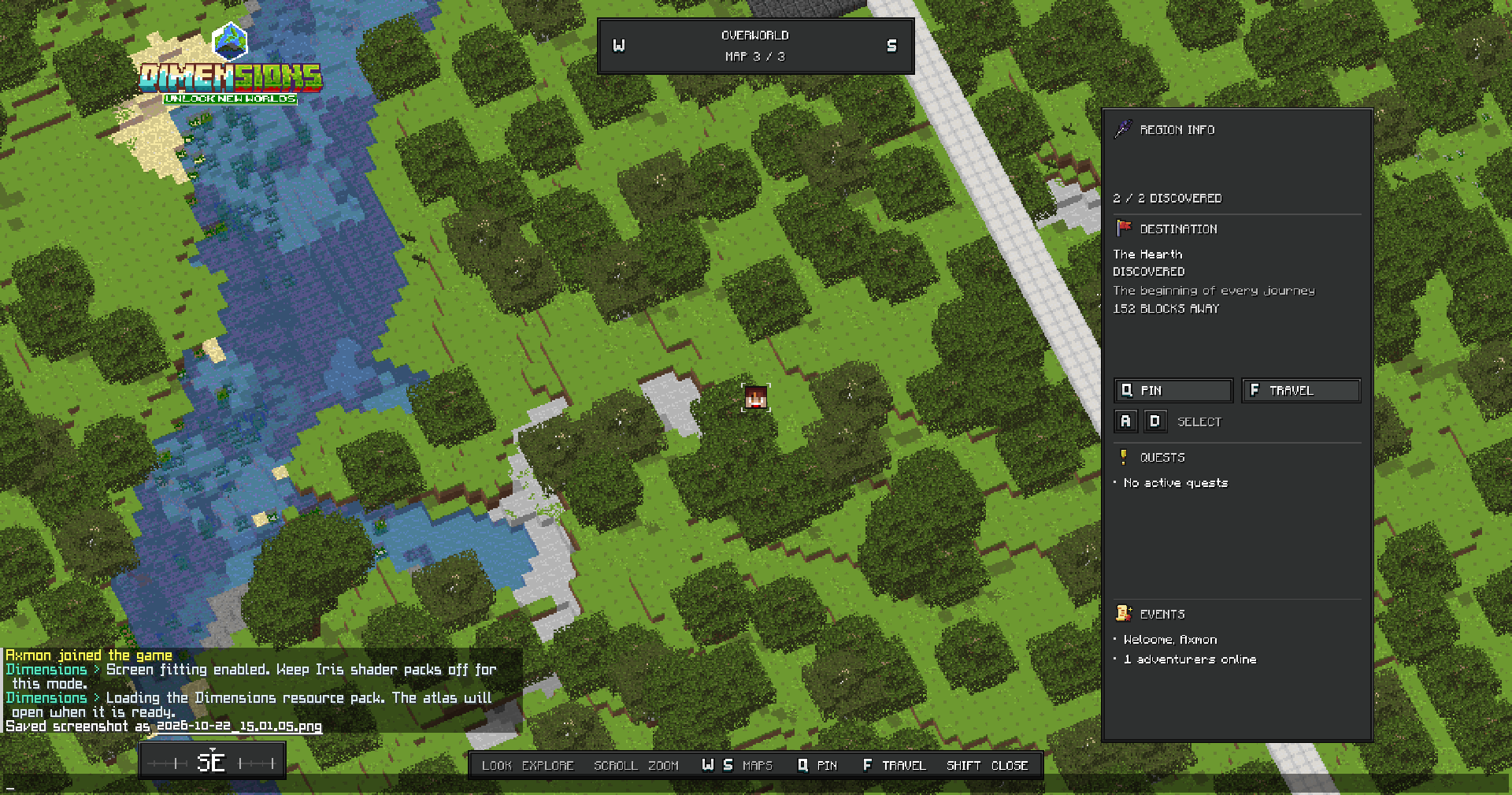
Pan by looking around, scroll to zoom and switch between your configured maps.
Add destinations with names, descriptions, icons, unlock conditions and travel settings.
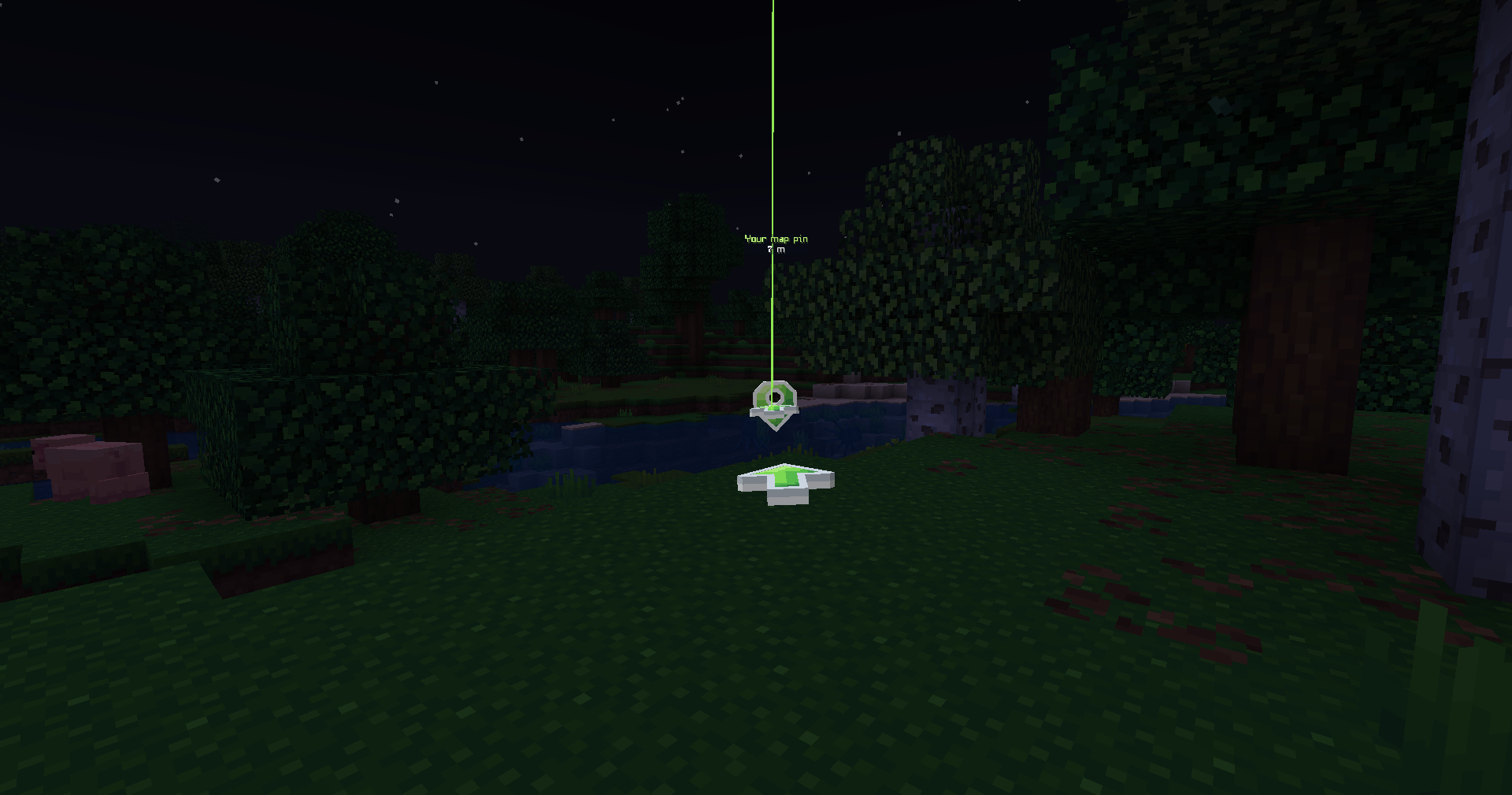
Let players create personal pins and follow private route markers.
Show player heads and discoveries, with visibility controls.
Offer fast travel with permission, unlock and safe-landing checks.
Enable the optional minimap, with server-controlled defaults and player permissions.
Customize maps, labels, colors, artwork and effects through YAML and PNG files.
Use /dim menu as an inventory fallback without the resource pack.
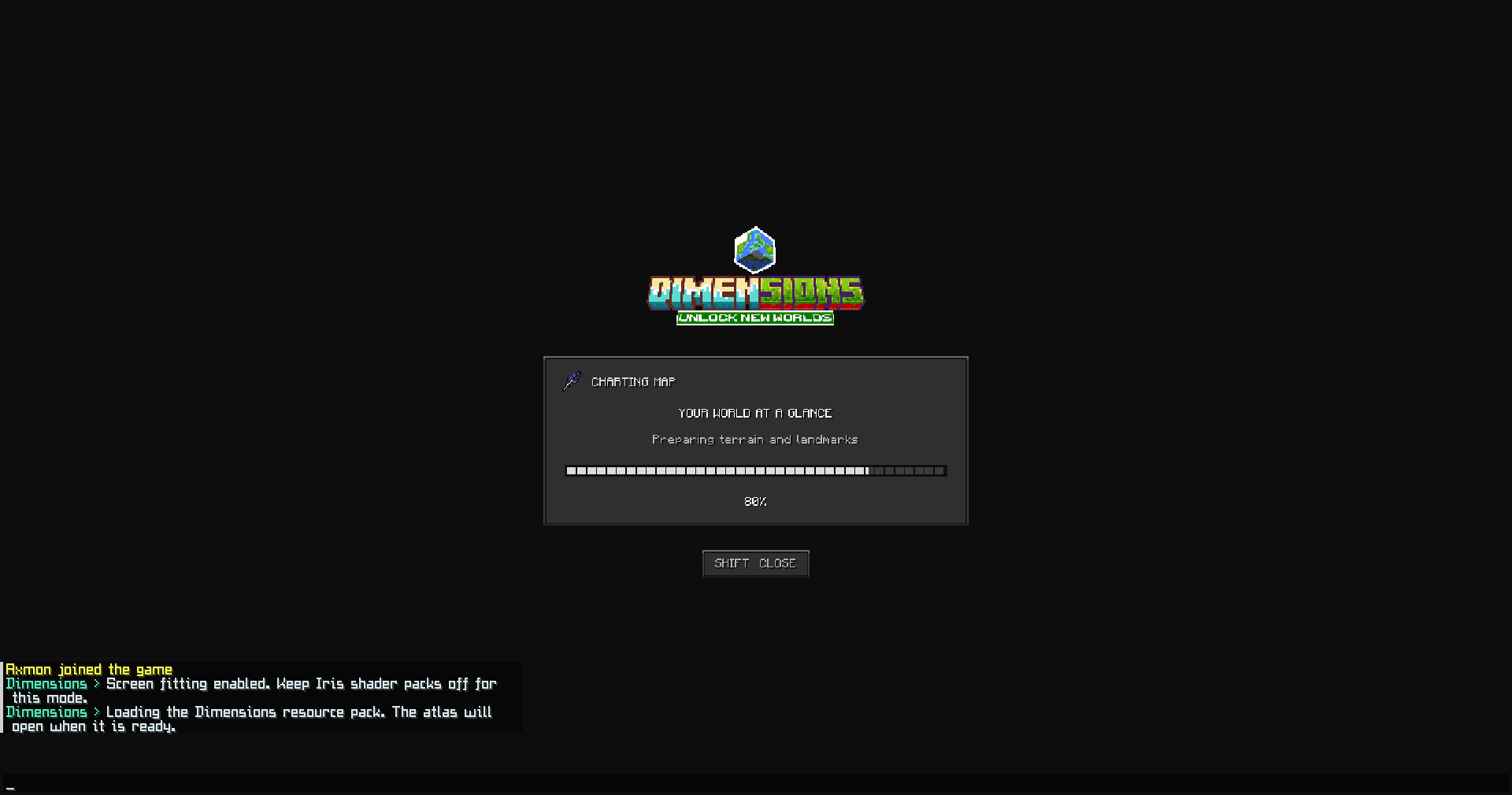
No client mod or MineSkin key is required. The full atlas, its custom items and the minimap need the supplied resource pack. The first-use setup asks for the player's actual game viewport, FOV and numeric GUI scale; run /dim setup again after changing them.
Requirements
Component
This release
Server
Paper 26.2; tested on build 134
Java
25
Required plugin
PacketEvents 2.14.0
Client
Minecraft Java 26.2
Resource pack
Included; accept it for the full interface
Optional
ItemsAdder 4.0.18 and PlaceholderAPI
This JAR supports 26.2 only. Other Minecraft versions are rejected at startup. Spigot, Folia and Bedrock are not supported by this release. ItemsAdder needs its own dependencies; none of the third-party plugins are included.
Iris and display modes
Use native mode with Iris shader packs. It uses normal map tiles, entities and fonts, so no custom Iris pack is needed. Shader lighting can change the result, and native mode needs display calibration.
Screen mode requires Iris shader packs switched off. Iris may remain installed. Its screen-fitting shader cannot be treated as compatible with an active Iris pack. The optional minimap uses no custom shader and works independently of the atlas mode.
The supplied footage shows the interface in-game; it is not a test of every Iris pack. Check the shader pack, FOV and client performance you plan to use.
Resource-pack options
Standalone: the JAR includes dimensions-pack.zip, also supplied separately. Use Dimensions' built-in host with a reachable address or host the ZIP over HTTPS. A localhost URL will not work for remote players.
ItemsAdder: import the supplied dimensions-itemsadder.zip into plugins/ItemsAdder/, run /iareload and /iazip, then use the merged pack. Keep itemsadder.enabled: true and set Dimensions' resource-pack.enabled: false when ItemsAdder sends it. Use /dim give for the interactive atlas.
Nexo: a manual pack merge is available through Nexo's pack/external_packs folder. Preserve the dimensions namespace, font references and model keys when generating the pack. This is not a native Nexo item hook or a verified Nexo test result. See the official Nexo resource-pack guide.
CraftEngine: import the vanilla resource-pack contents into a CraftEngine resource project's resourcepack folder and regenerate the merged pack. Keep conflicting core shaders under review; automatic shader merging is not supported. This is a manual workflow, not a native CraftEngine item hook or a verified compatibility claim. See the CraftEngine project structure.
For Nexo or CraftEngine, disable Dimensions' own pack sending and ItemsAdder lookup. Use Dimensions' model: item keys. The terrain renderer can read a local, unprotected resource-pack ZIP through renderer.resource-packs when it needs custom block models. Do not send competing packs or overwrite font/model files blindly.
Included
The download bundle contains Dimensions-1.0.0.jar, the standalone pack, ItemsAdder content, an optional entity-glow overlay, configuration examples and the complete documentation. Third-party plugin binaries and the development test server are excluded. The optional dimensions-core-26.2.zip overlay is not an Iris shader pack.
This build does not ask for a runtime license key. Your purchase controls access to the download and the Dimensions buyer role on a linked Discord account.
Practical limits
Native fitting depends on FOV and the calibrated viewport. The minimap uses sampled surface colors, not the textured atlas view, and yields while other plugins display titles. Terrain uses Minecraft's map palette. Test client FPS and your teleport, protection and anti-cheat plugins before opening travel to players.
The included guide covers setup, maps, commands, permissions, effects, customization and troubleshooting. Support and release discussion: Dimensions on Discord.
See it in your world
Check your setup
Only the versions and integrations explicitly listed here are claimed as supported. Required third-party software is not included unless stated.
Edition
Java
Tested game versions
26.2
Tested platforms
Paper
Supported integrations
ItemsAdder, PlaceholderAPI
Java runtime
Java 25
Required dependencies
Paper 26.2 (tested build 134), PacketEvents 2.14.0, Minecraft Java 26.2 client and the Dimensions resource pack.
Optional integrations
ItemsAdder 4.0.18 (requires its own dependencies), PlaceholderAPI. Iris shader packs: native mode only; screen mode requires shader packs off. Nexo/CraftEngine: manual resource-pack merge only, not native item hooks or verified integrations.
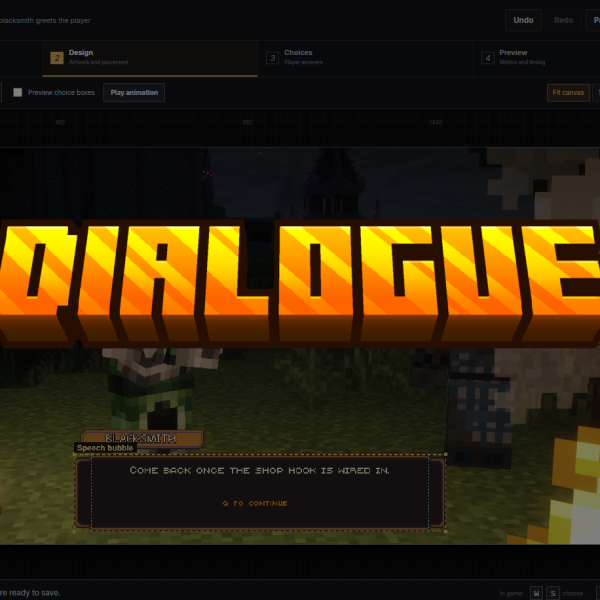
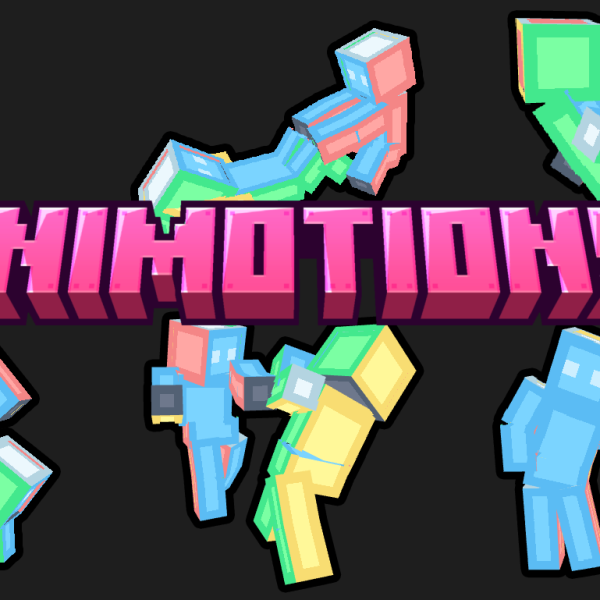
Animated route markers and configurable travel/unlock effects.
Resource-pack support
ItemsAdder
Vanilla / Standalone
The author has marked these setups as supported for this resource. Read the installation instructions for the tested versions and included configuration files. Third-party plugins and licenses are not included unless the listing says so.
1. Use Paper 26.2 and Java 25. Install PacketEvents 2.14.0 separately.
2. Stop the server. Put Dimensions-1.0.0.jar in plugins/ and keep only one Dimensions JAR. Start the server.
3. Set a public resource-pack.url and use the built-in host or a reachable HTTPS pack. Remote players cannot use 127.0.0.1. Restart after host/port changes.
4. If ItemsAdder serves your pack, import dimensions-itemsadder.zip into plugins/ItemsAdder/, run /iareload and /iazip, keep itemsadder.enabled: true and disable Dimensions resource-pack.enabled. Nexo/CraftEngine require a manual merge; see the guide.
5. Use display.mode: native for Iris shader packs. Screen mode requires shader packs off.
6. Accept the pack, run /dim and enter the real game viewport, FOV and numeric GUI scale. /dim setup repeats calibration.
7. New installs create map files for actual loaded worlds with no demo pins. Add a destination with /dim add market Market Square; edit maps/.yml, then /dim reload.
Back up config.yml, maps/, ui.yml, player-settings.yml and unlocks.yml. Do not delete camera-sessions.yml to fix a return problem. Use /dim close and check teleport restrictions. Do not use plugin hot-loaders.
For use on Minecraft servers you own or operate. Do not resell, redistribute or share the plugin, its resource pack or private download links. You may customize the supplied configuration and artwork for your server. Plugin source code is not included. Third-party components remain subject to their own terms. This build uses purchase-based download access and does not require runtime license-key activation.
Updates
Eligible owners can download releases published for this product through their shop account. Supported Minecraft versions and dependencies are stated for each release; purchase does not promise every future Minecraft version.
Support
Use the Dimensions channel for general setup questions and a private support ticket for account or purchase information. Include the action, server/client versions, display mode, Iris pack, viewport, GUI scale and /dim status output for technical issues. Third-party plugins and untested platforms are outside the verified release stack.
Mandatory consumer rights and applicable third-party open-source licenses are not overridden by these terms.
Reviews
There are no reviews yet.
Only logged in customers who have purchased this product may leave a review.
FROM THE STUDIO
Development notes for this resource.
What changed
1.0.0 — 22 October 2026
Initial release for Paper and Minecraft Java 26.2, Java 25 and PacketEvents 2.14.0.
Terrain atlas with map switching, discoveries, destinations, player heads, personal pins, private guidance and permission-controlled fast travel. Optional minimap with owner-controlled defaults and player permissions. Customizable YAML maps, labels, PNG artwork and travel effects.
Includes native and screen display modes, first-use display calibration, inventory fallback, standalone pack and ItemsAdder content. Native mode is the option for Iris shader packs; screen mode requires shader packs off. Nexo and CraftEngine pack imports are manual workflows, not tested native integrations.
See the included testing notes for checks and remaining rendering limits. Other Minecraft versions, Spigot, Folia and Bedrock are not supported by this release.
Necessary storage supports sign-in, your basket and checkout. External media and optional view counting are separate choices and stay off until allowed.


 Paper
Paper


 Purpur
Reviews
There are no reviews yet.